Appearance
Front End
Setup Front End side
This part is used for the setup on the Front End side. The Front End repository is deployed via a GitHub Actions workflow, which reads its configuration from GitHub Environment secrets and variables.
Each deployment environment (
development,staging,production) has its own set of secrets/variables under Settings → Environments → (environment name):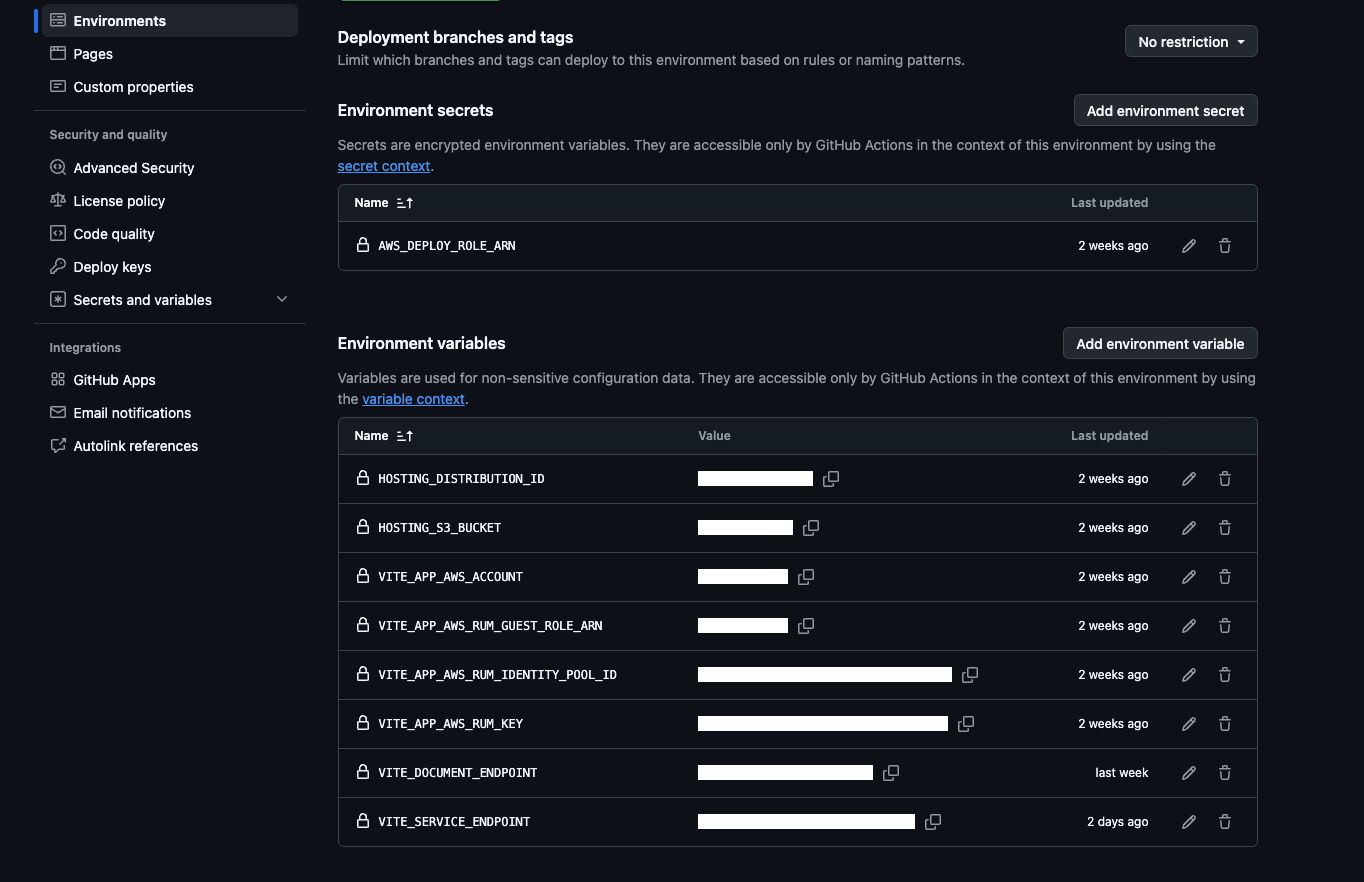
Details:
AWS_DEPLOY_ROLE_ARN (secret): the AWS IAM Role that GitHub Actions assumes (via OIDC) to get permission to deploy — upload the build to S3 and invalidate CloudFront. Not an API link.
HOSTING_S3_BUCKET (variable): the bucket name on S3 AWS to store the Frontend source after deployment.
HOSTING_DISTRIBUTION_ID (variable): id of the CloudFront distribution serving the site. After deploying to S3, we invalidate this CloudFront distribution so the new version shows up right away instead of showing old cached files.
VITE_APP_AWS_ACCOUNT (variable): AWS account number.
VITE_APP_AWS_RUM_KEY, VITE_APP_AWS_RUM_GUEST_ROLE_ARN, VITE_APP_AWS_RUM_IDENTITY_POOL_ID (variables): keys to set up AWS CloudWatch RUM (tracks user activity/errors on the frontend).
VITE_SERVICE_ENDPOINT (variable): the main backend API link — the Frontend calls this for everything (login, data, etc).
VITE_DOCUMENT_ENDPOINT (variable): the link to the documentation/tutorial page shown inside the app.
In addition to the per-environment values above, some secrets are shared at the repository level (Settings → Secrets and variables → Actions) and are used by every environment/workflow, including the PR check workflow:
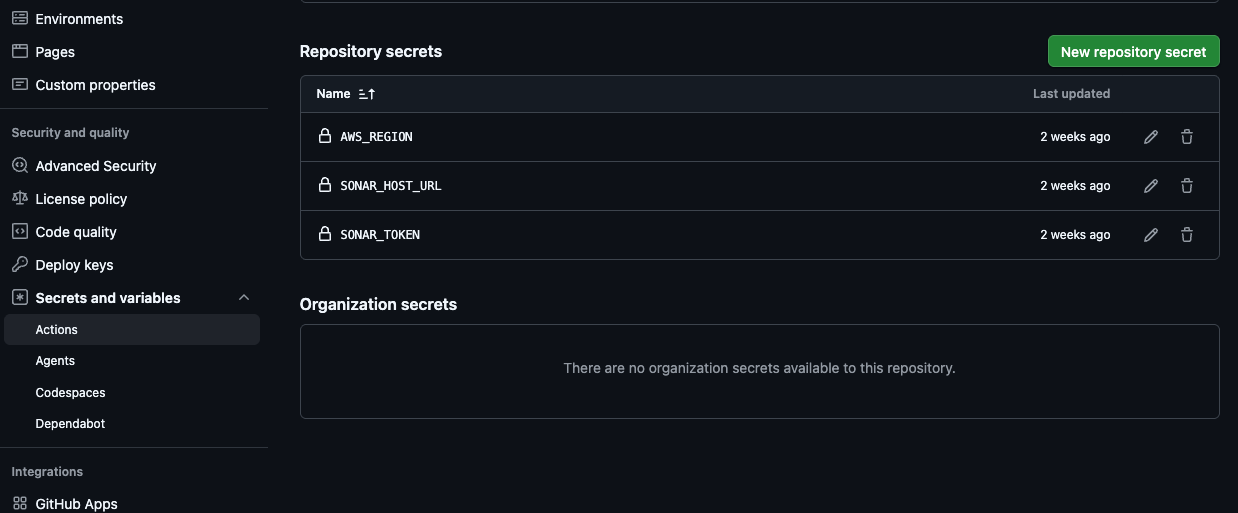
AWS_REGION (secret): the AWS region used both to assume the deploy role and as the region passed into the frontend build.
SONAR_HOST_URL, SONAR_TOKEN (secrets): connection info for the SonarQube server, used by the code-quality/quality-gate job that runs on every Pull Request.
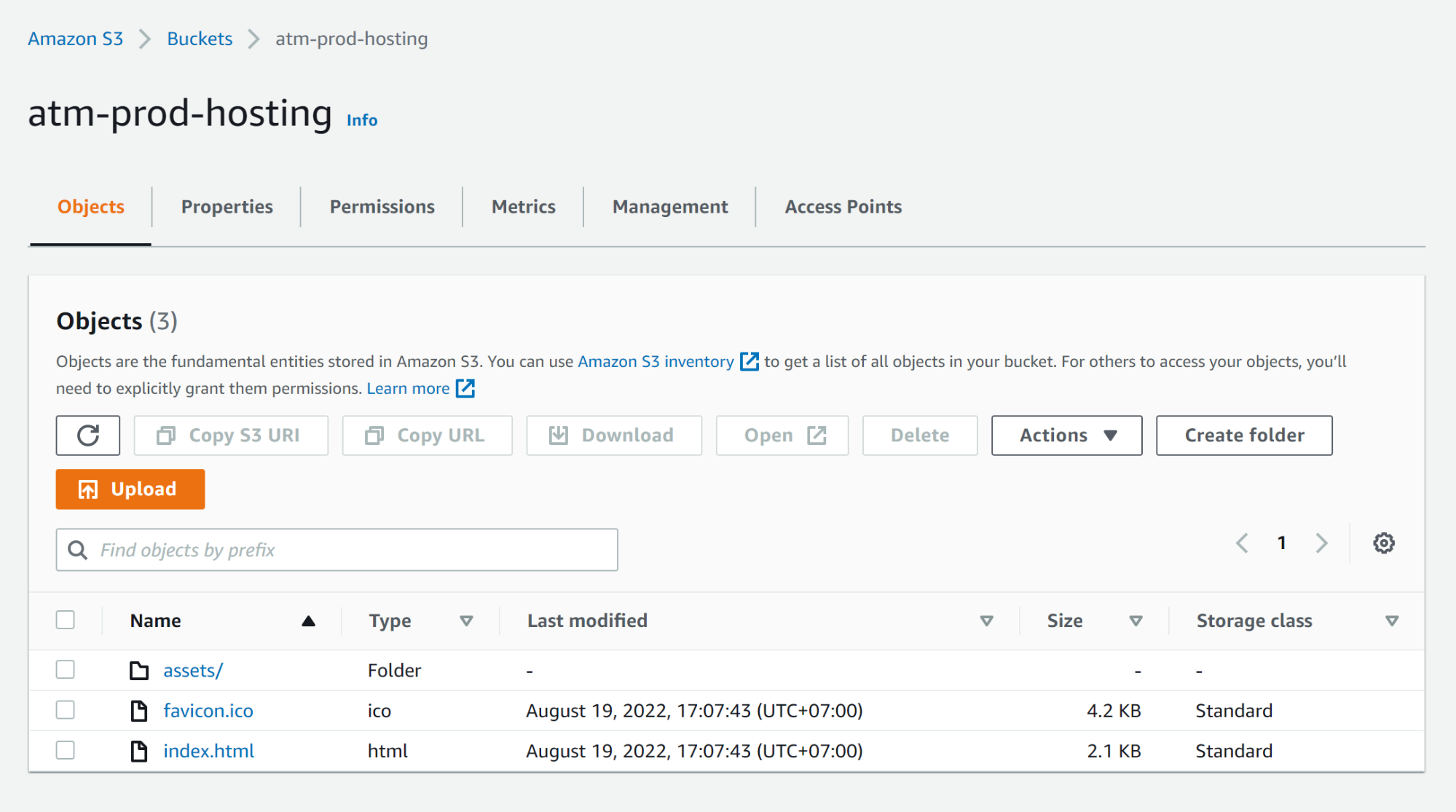
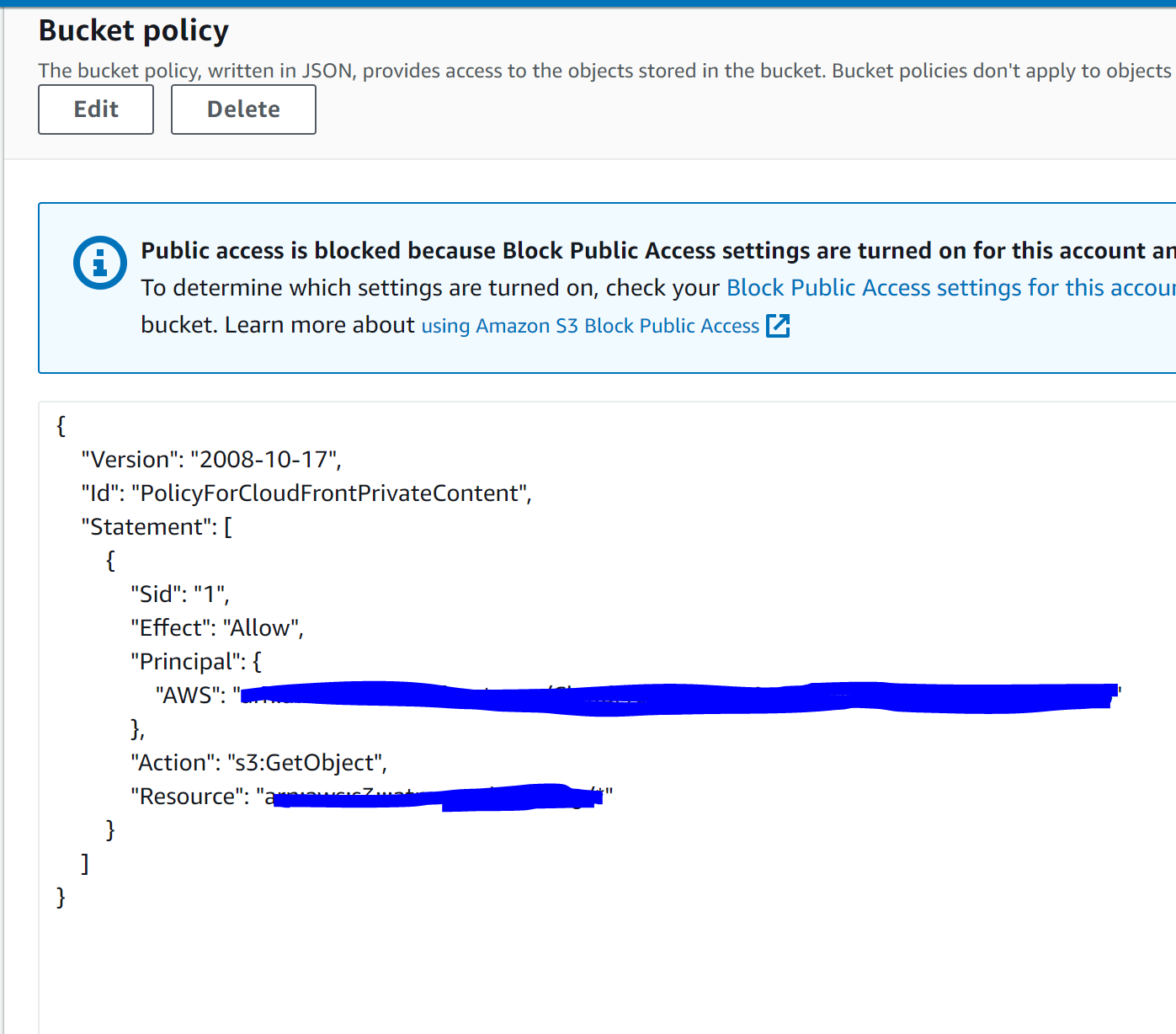
In the Permission tab, we need to add bucket policy
“Principal” means we can view AWS guidelines here: https://docs.aws.amazon.com/AmazonCloudFront/latest/DeveloperGuide/private-content-restricting-access-to-s3.html
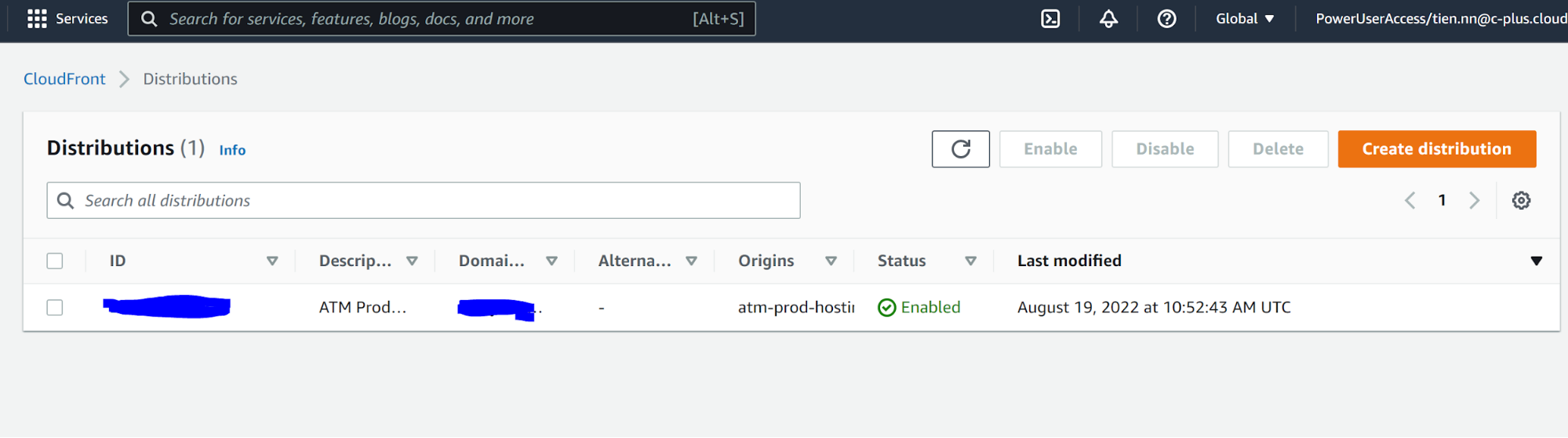
Next, we must create CloudFront first to assign the Bucket policy
To avoid the Access denied error user needs to proceed 2 steps following:
- Set the default root object to index.html for the CloudFront.

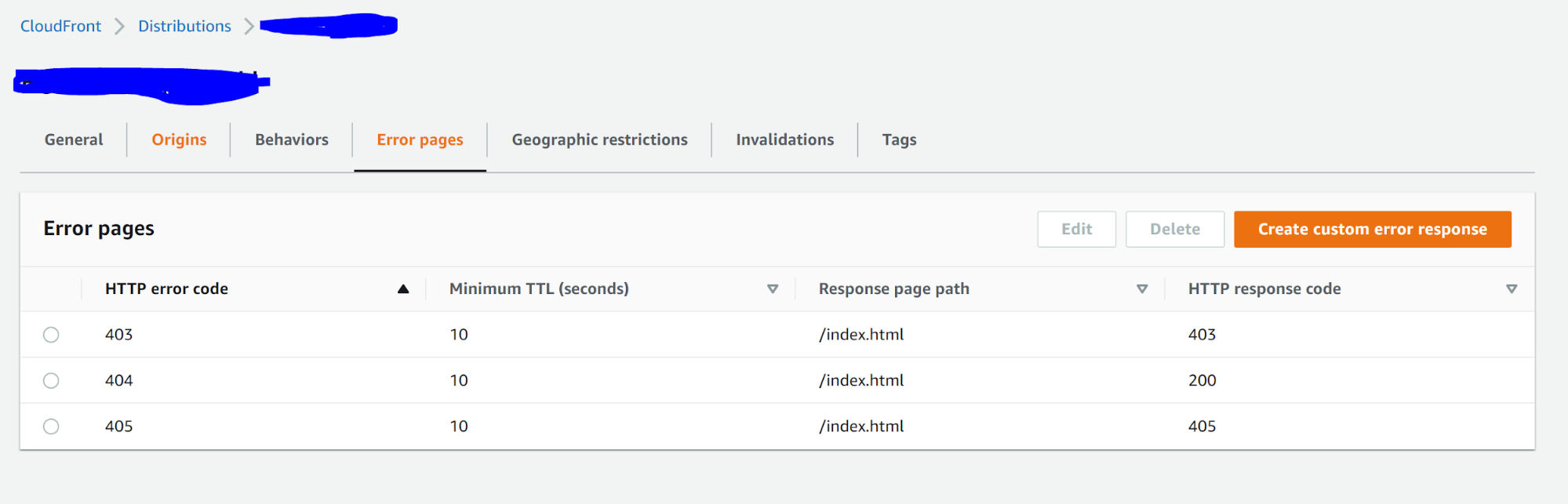
- Collect all status codes and configure them at the Error pages in CloudFront to return a custom error response to the viewer and manage how CloudFront responds when there’s an error