Appearance
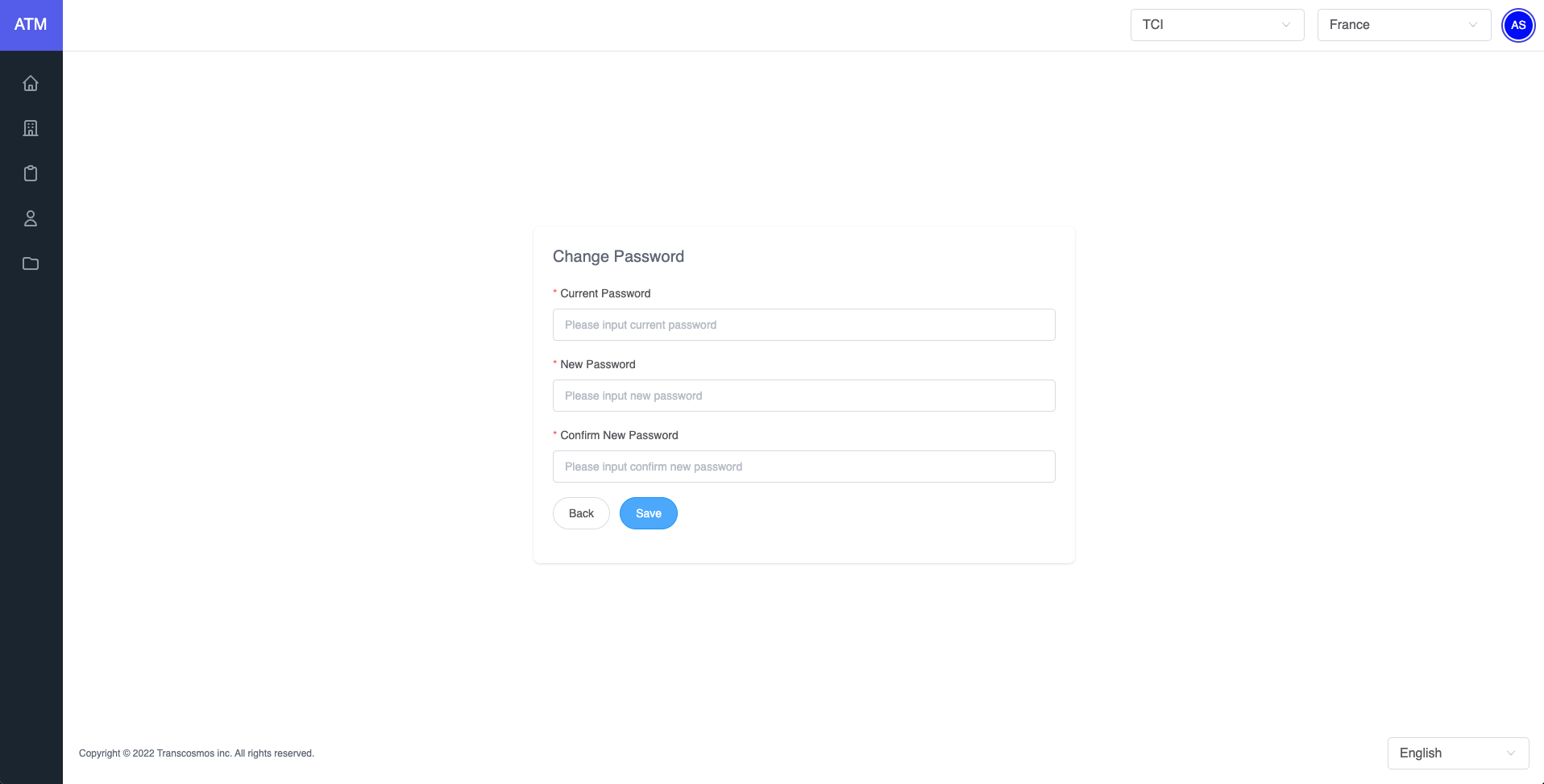
Change password
- Open your ATM account. You might need to sign in.
- Under your account name select Change Password
- Enter your Current Password, New Password, and Confirm New Password then hit the Save button
- You might need to sign in to confirm the new password changes