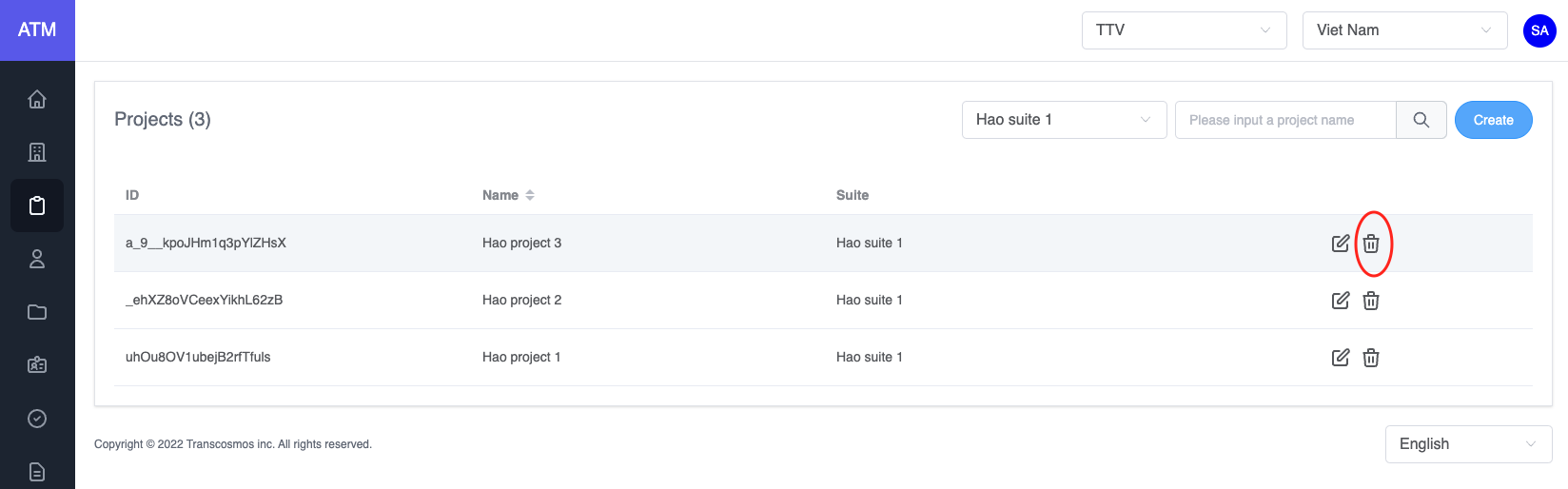
Appearance
Projects
- Create project
- Login under Administrator account
- Access the Project page
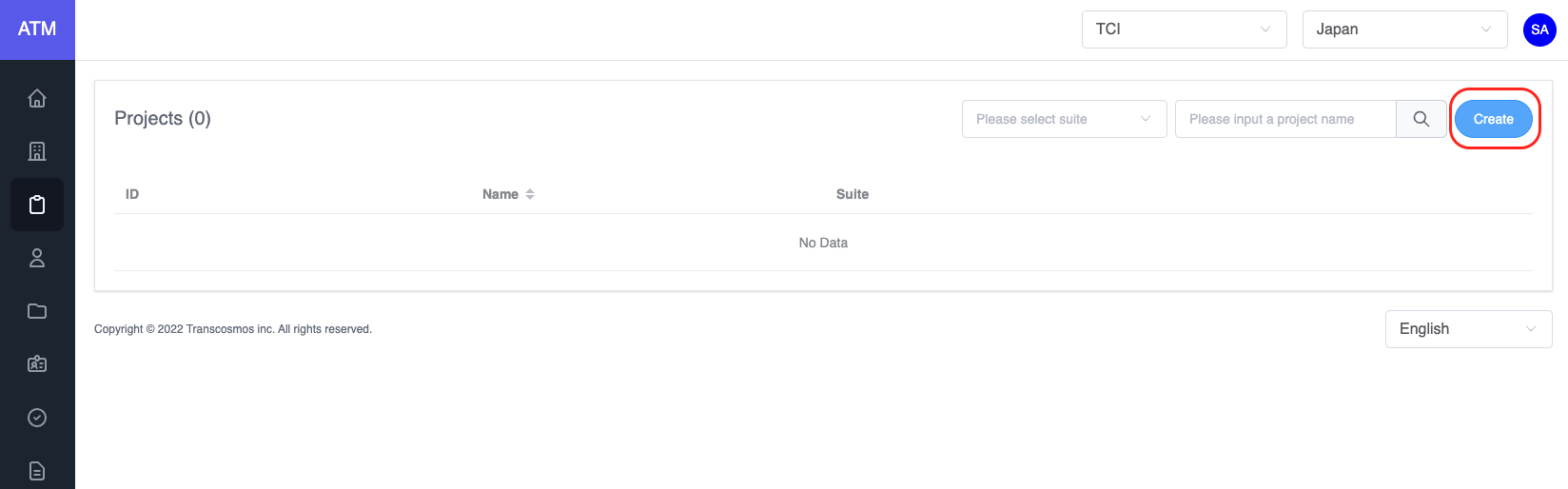
- Click on Create button to create a new project
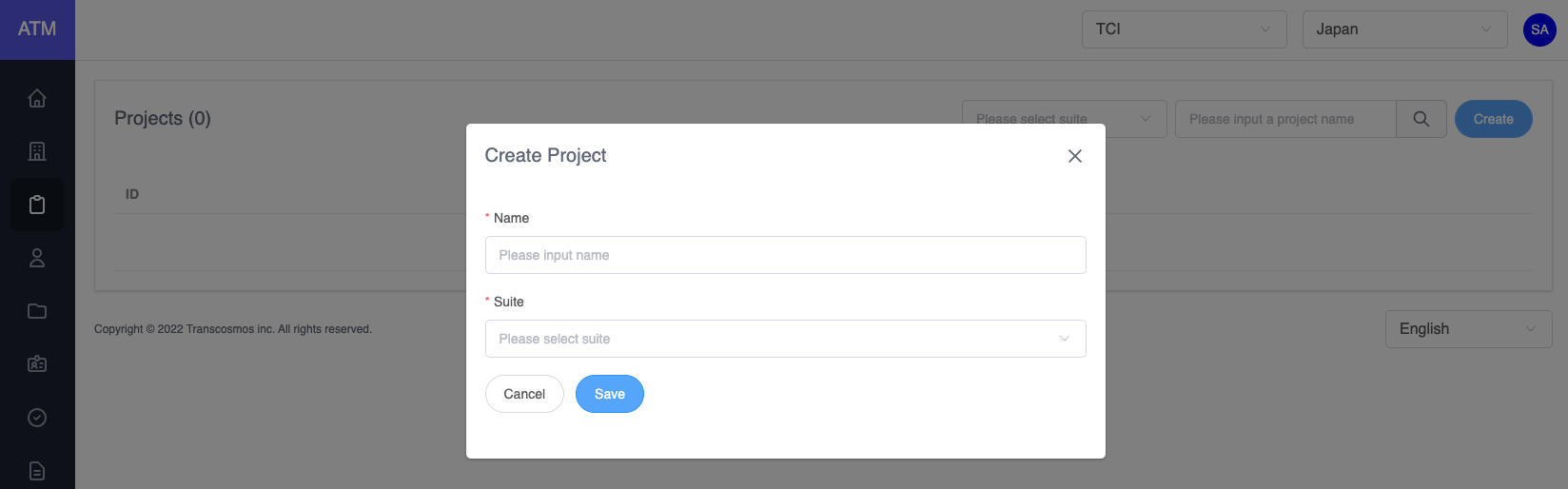
- Enter and select data: project name and suite
- Click on Save button
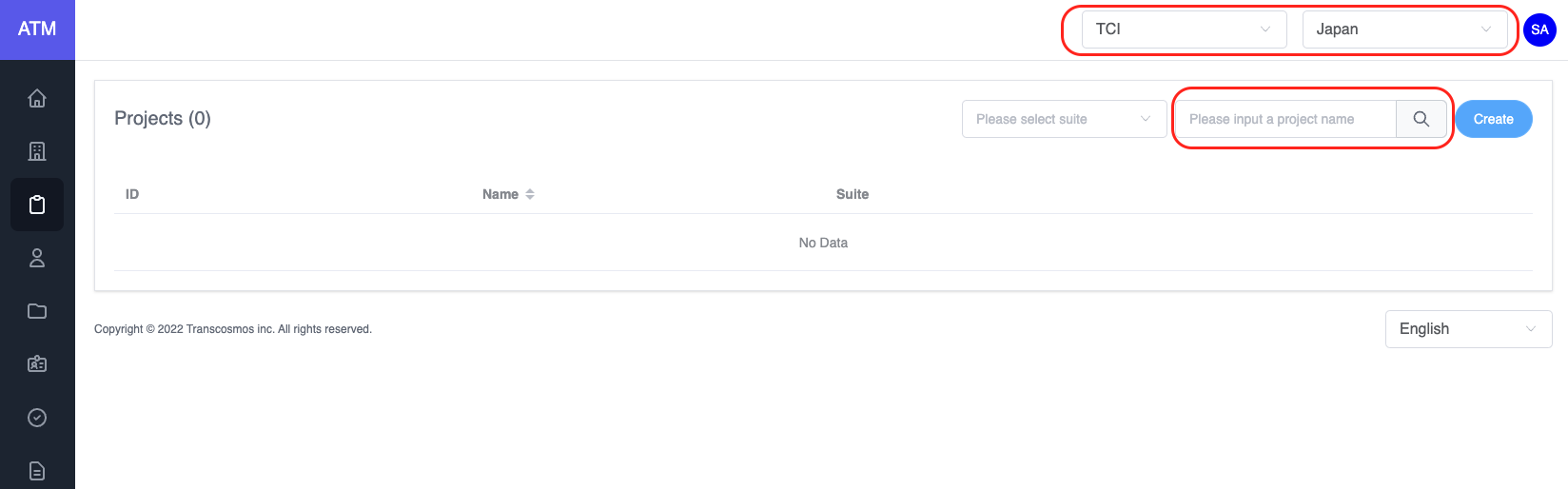
- Filter project
- On the top of page, select the company and region that you want to filter
- Select suite which belongs to the selected company and region
- You can search the project by entering project name and pressing Enter
- Edit project
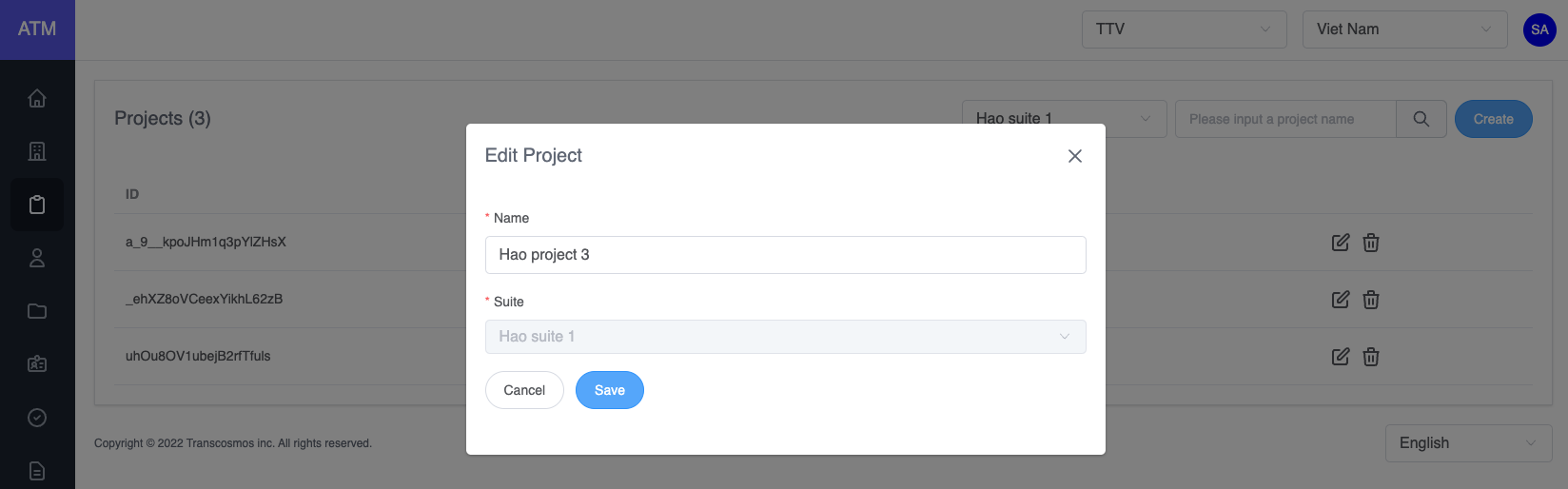
- On the project grid, click on the edit icon of record where you want to edit the project
- The Edit Project popup will be displayed, you can update the project's name
- Delete project
- On the project grid, click on the delete icon of record where you want to delete the project
- Warning: If the project had an application or user, you can not delete it and the system will display an error message. Please delete application or user of this project and then delete project