Appearance
Suites
- Create suite
- Login under Administrator account
- Access the Suites page
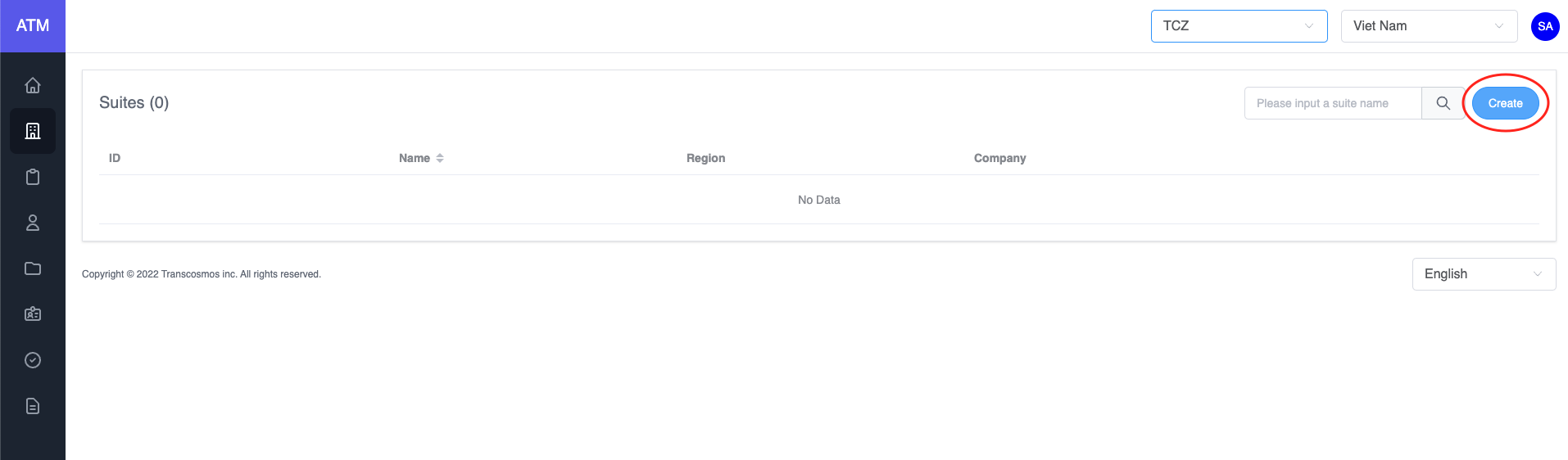
- Click on Create button to create a new suite
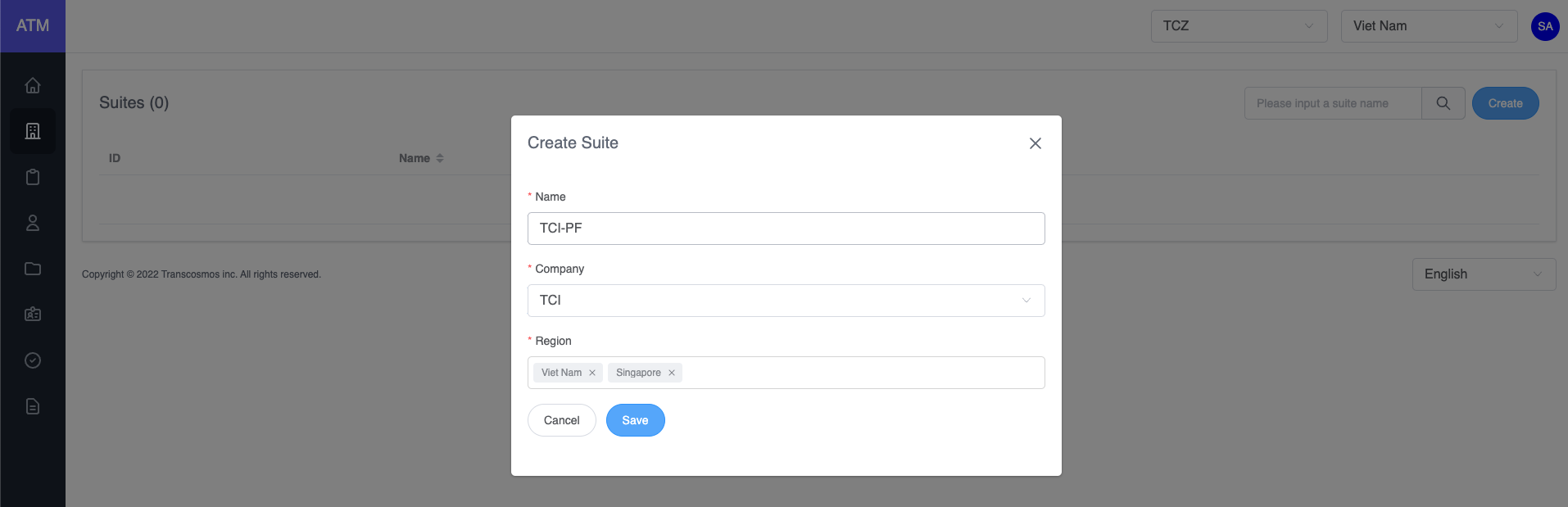
- Enter and select data: suite name, company and region
- Click on Save button
- Filter suite
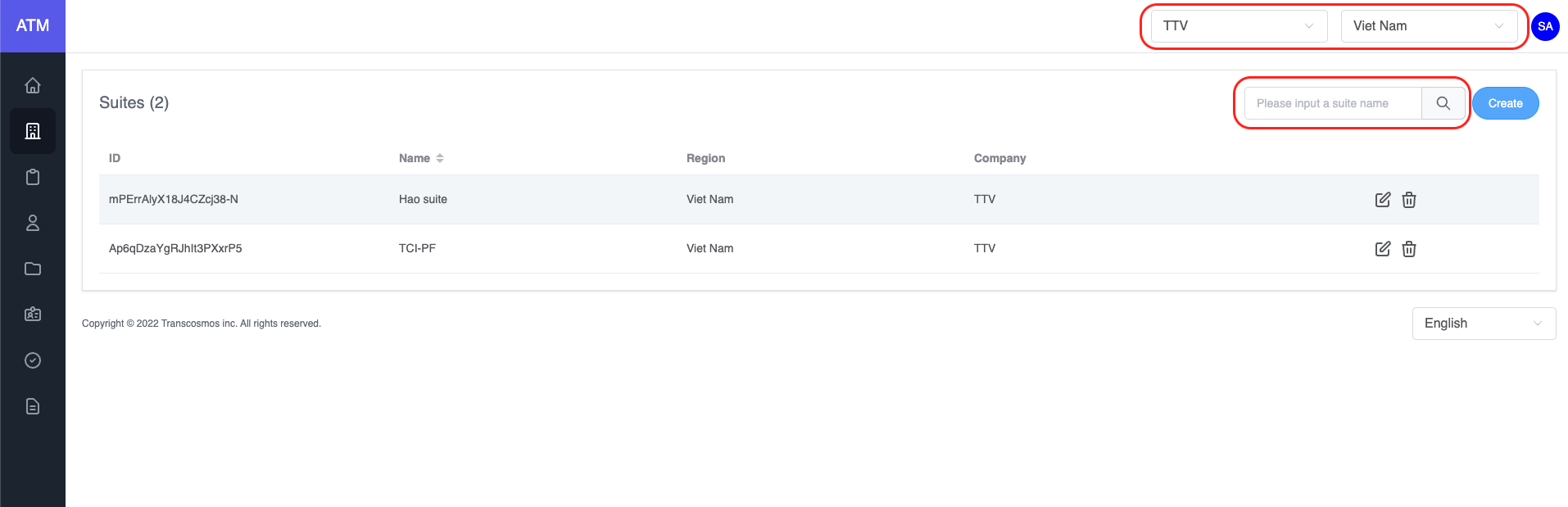
- On the top of page, select the company and region that you want to filter
- You can search the suite by entering suite name and pressing Enter
- Edit suite
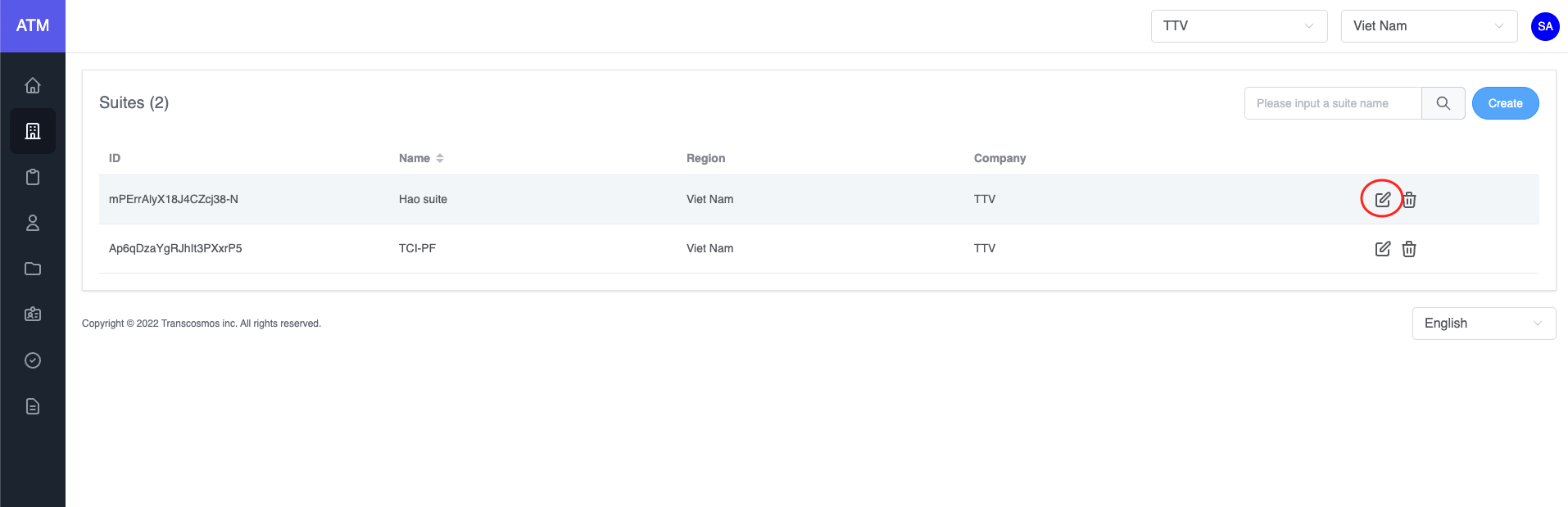
- On the suite grid, click on the edit icon of record where you want to update the suite
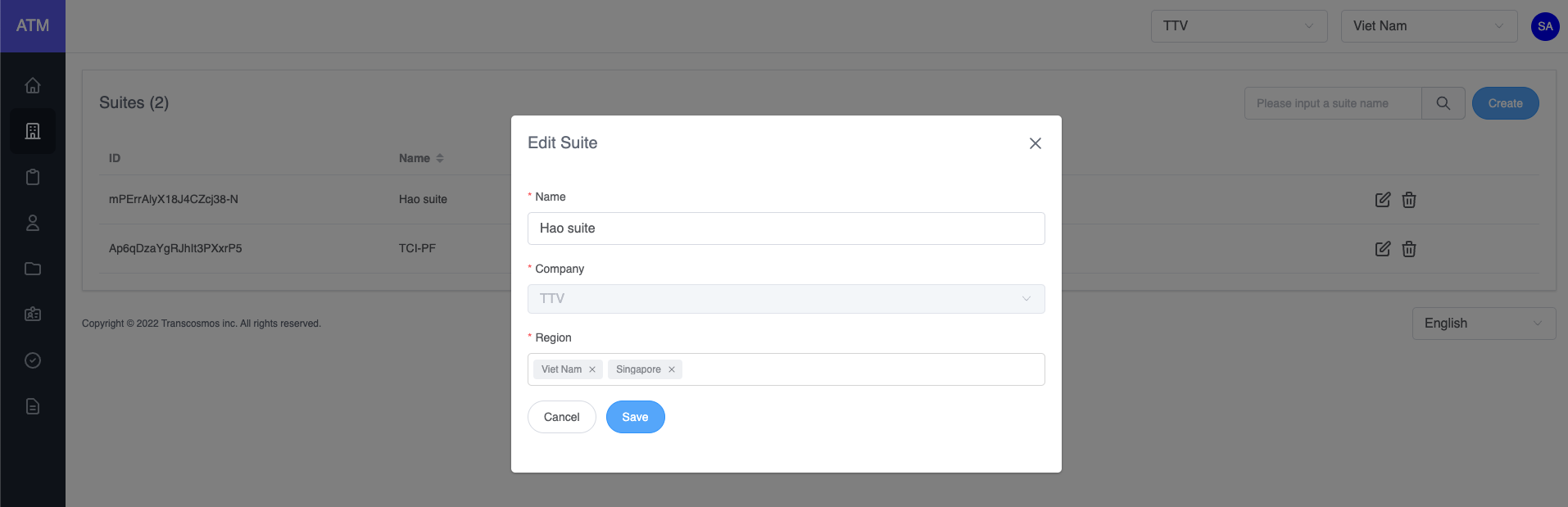
- The Edit Suite popup will be displayed, you can update the suite's name or update regions.
- Delete suite
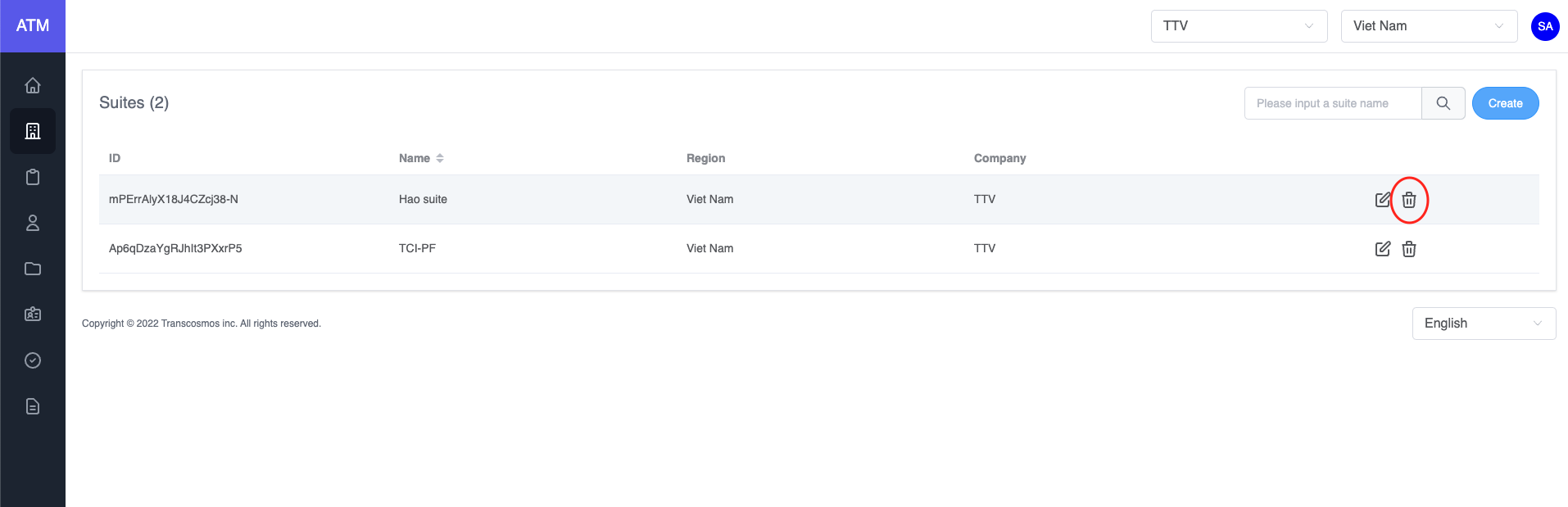
- On the suite grid, click on the delete icon of record where you want to delete the suite
- Warning: If the suite had project, user can not delete it. Please delete the project of this suite first and then delete the suite.