Appearance
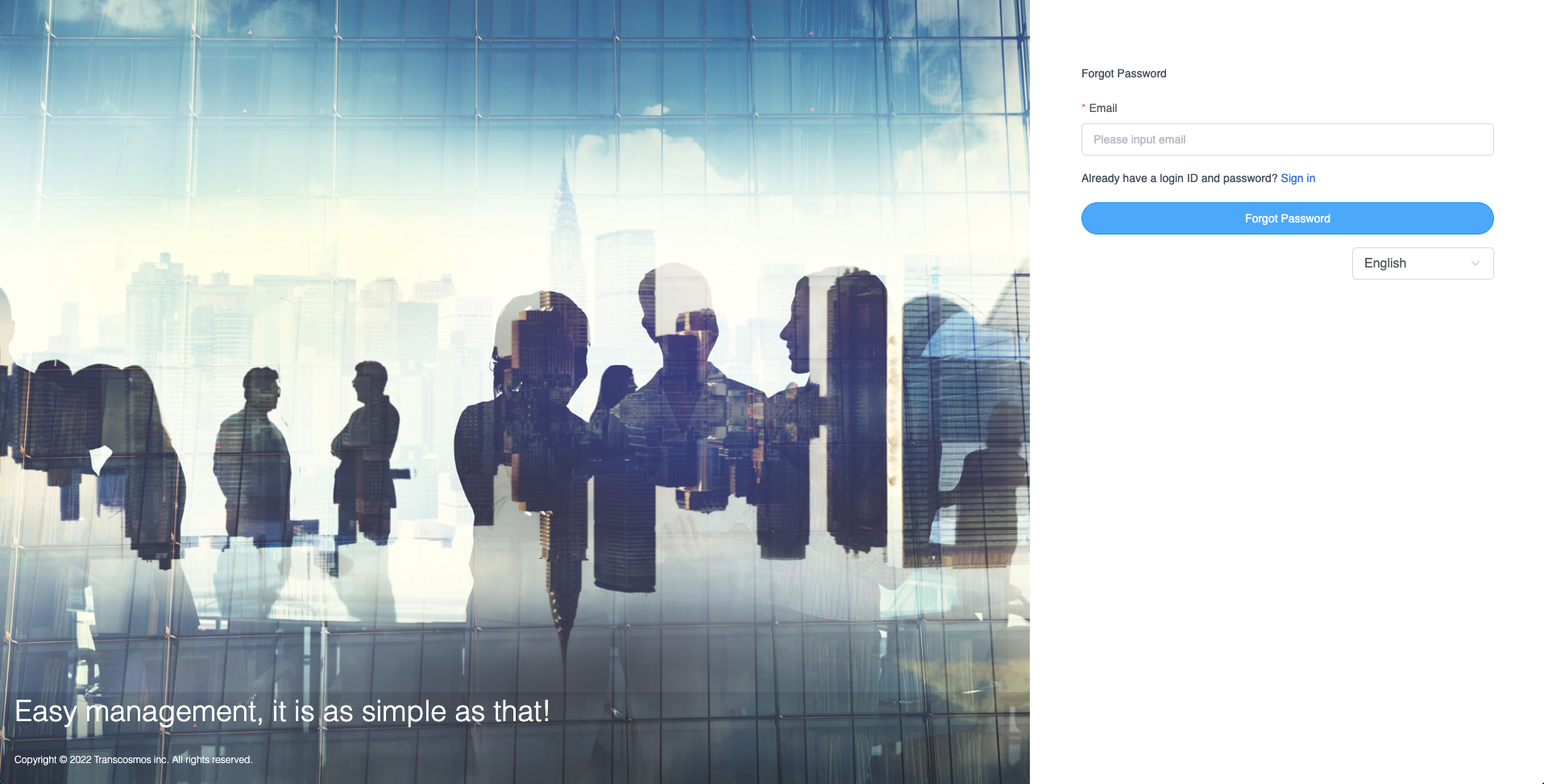
Forgot Password
- If a user forgets the password to access ATM they click on the Forgot password link from the Login page to reset the password
- You'll be asked to confirm it's your account by entering your email address and an email will be sent to you. If you don’t get an email, check your Spam or Bulk Mail folders
- To request another email, follow the steps above to recover your account.
- Check all email addresses you might've used to sign up or sign in to your account.
- Once you've received a reset password email. Choose a password that you haven't already used with this account to create a strong password.
- You might need to sign in to confirm the new password changes