Appearance
Users
- Create user
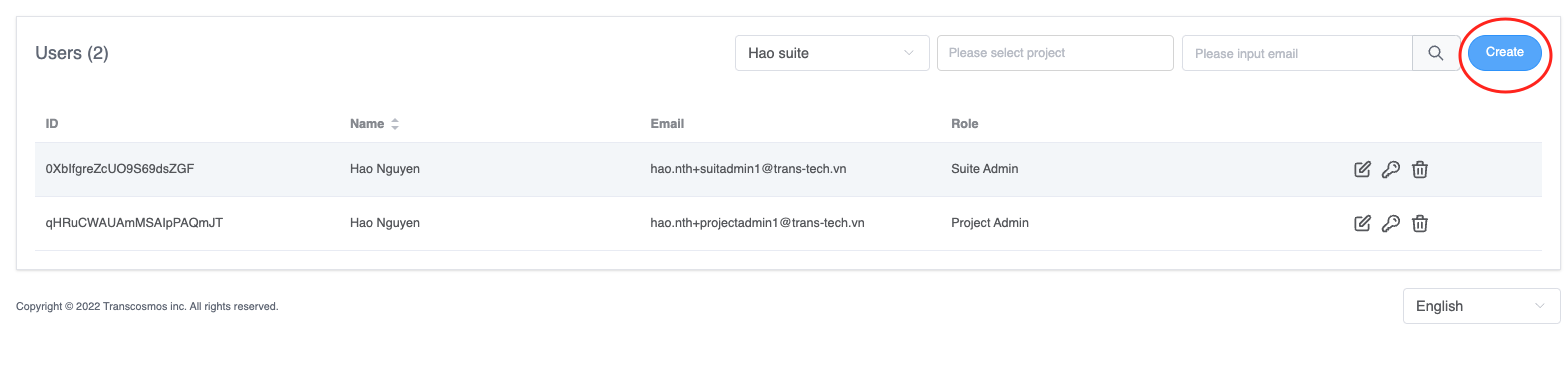
- Access the Users page
- Click on the Create button
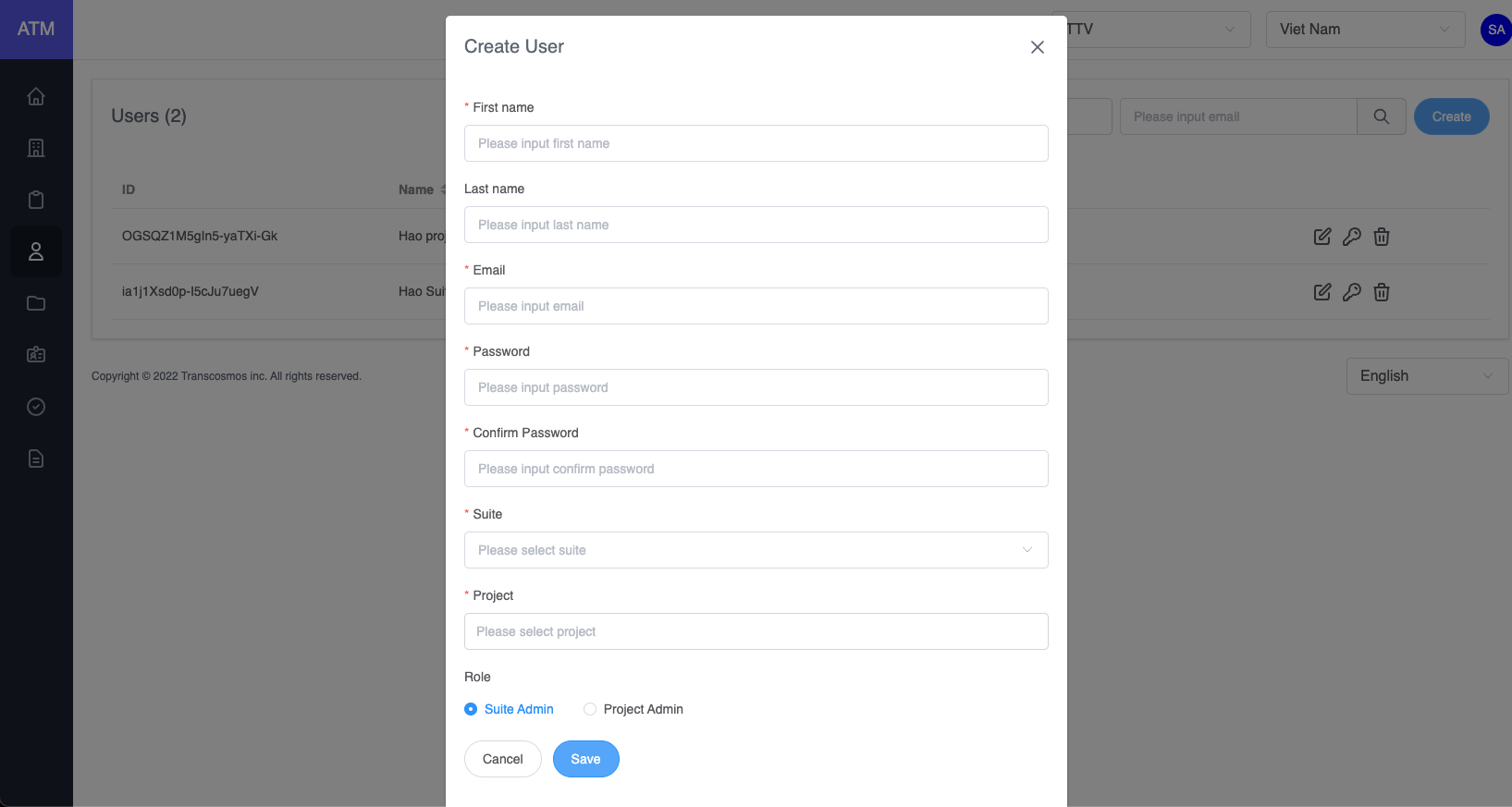
- Enter and select data: First name, Email, Password, Confirm Password, Suite, Project
- Choose role of user: Suite Admin or System User
- Click on the Save button
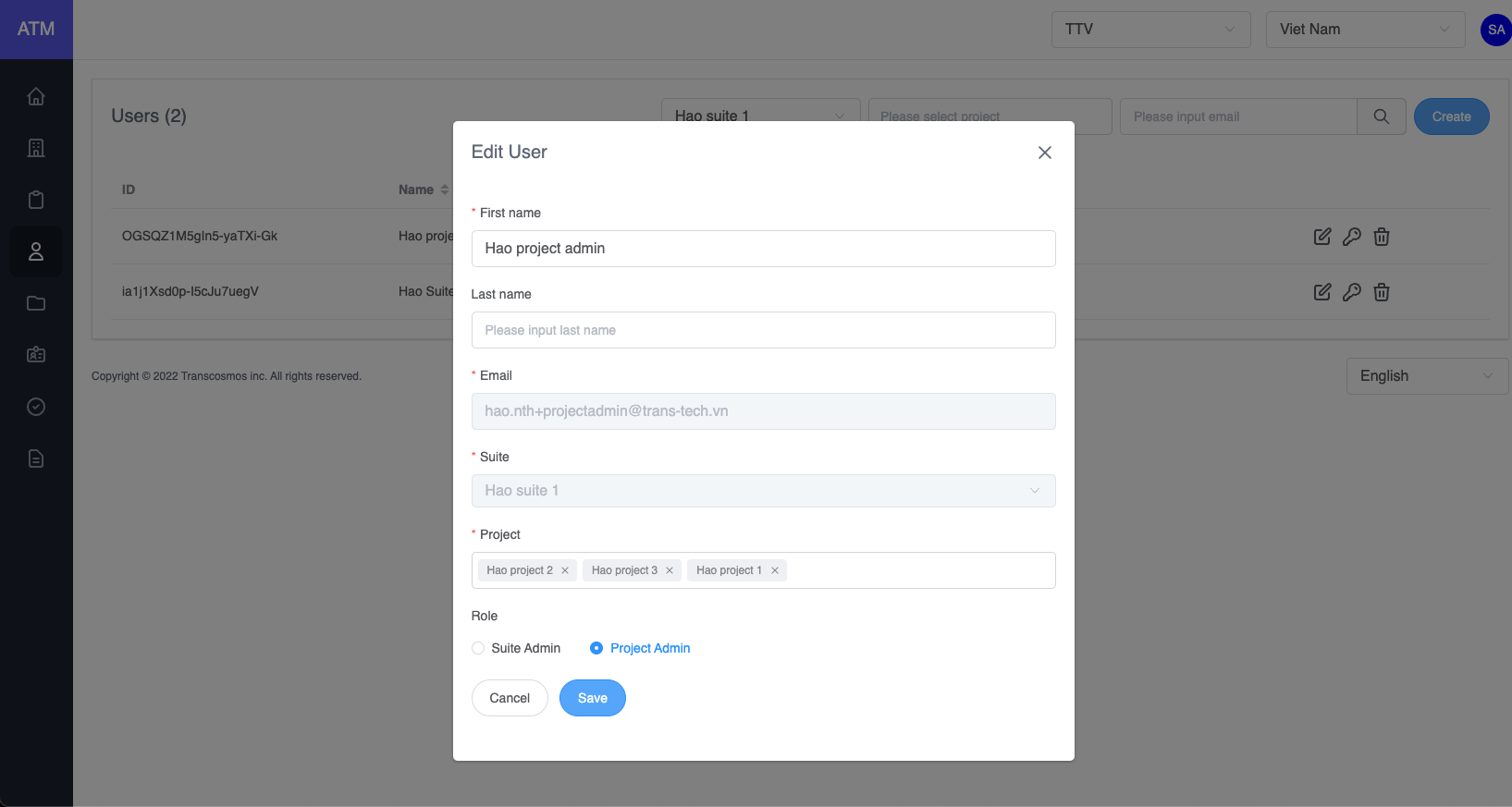
- Edit user
- On the user grid, click on the edit icon of record where you want to edit the user
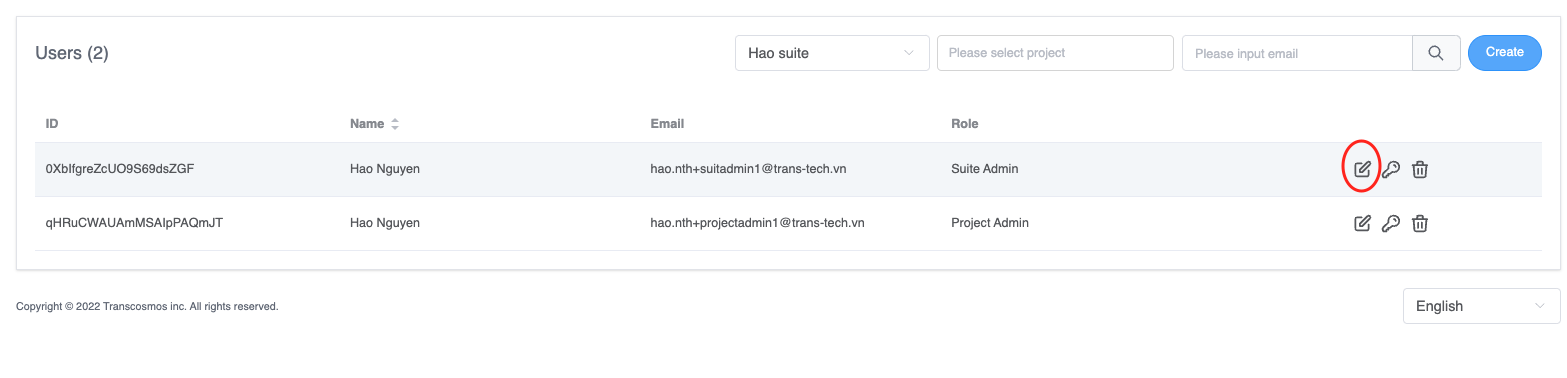
- Edit data: First name, Last name and Role
- Click on the Save button
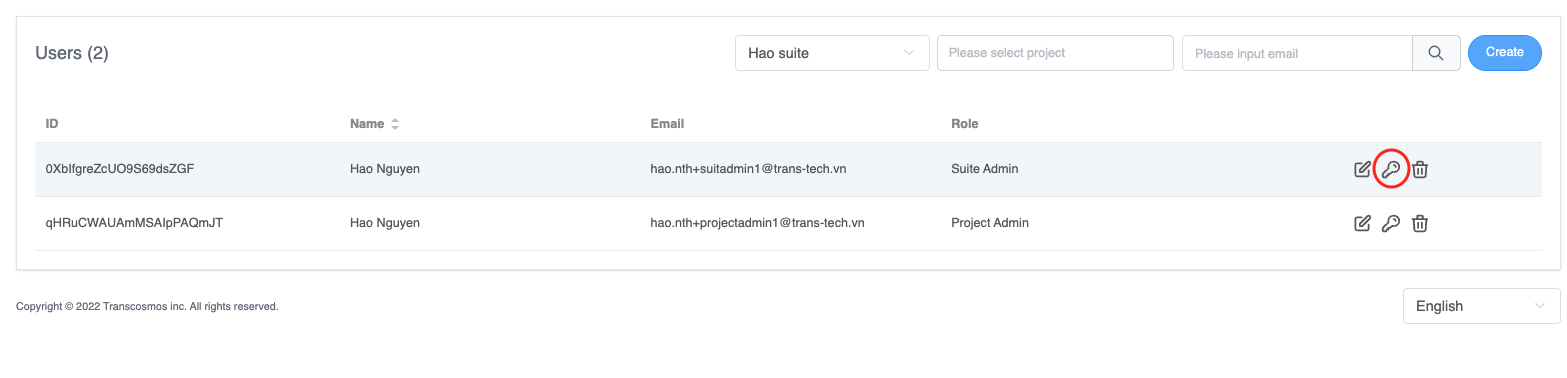
- Reset password
- On the user grid, click on key icon of record where you want to reset password Note: Only super admin can reset password of users
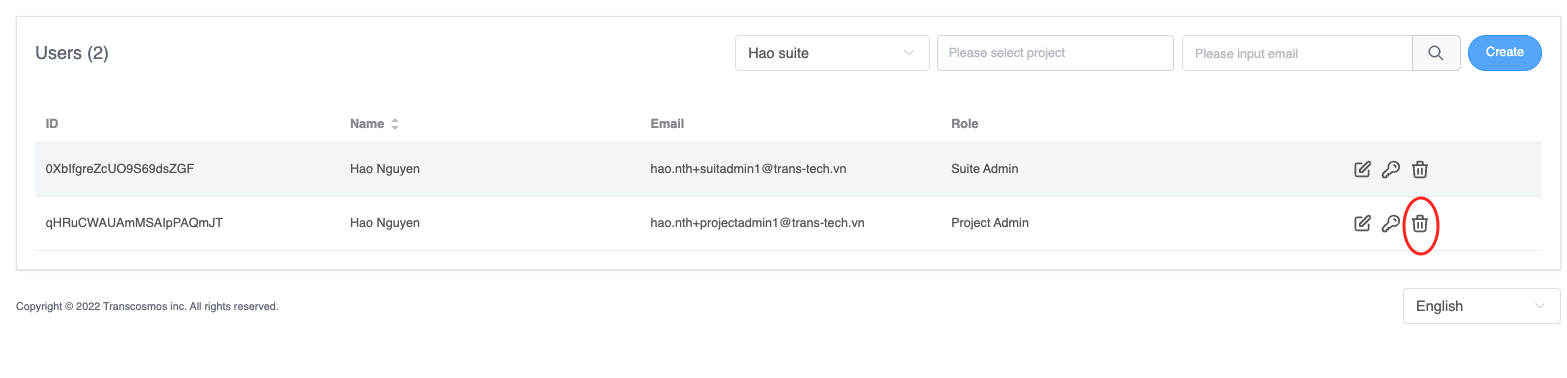
- Delete user
- On the user grid, click on the delete icon of record where you want to delete the user